Grok Imagine R2V Multi-Image Reference Tutorial
A detailed tutorial and explanation in Japanese about the new Grok Imagine R2V (Reference-to-Video) feature, which allows referencing up to 7 images for video generation. The tweet provides examples of how to use image references for character details, scene interpretation, cut transitions, and scene changes, including the prompt structure for each example.
Generate a similar video
Create with your own content
Explainer Video
Turn your research, notes, or slides into a visual explanation. Build the story, add narration, and help your audience understand one idea at a time.
Learning & Training Presentation
Bring course materials, notes, and examples together. Create clear slides that help people understand a concept, practice it, and revisit it later.
How to use this prompt
- 1
Copy the full prompt above.
- 2
Open a platform that supports Grok Imagine, such as YouMind, and paste the prompt in.
- 3
Swap the subject, style, or details to fit your idea, then generate.
This is a free AI prompt from YouMind's prompt library. Explore thousands more video prompts, all free to copy and adapt.
Explore more video promptsMore from Grok Imagine
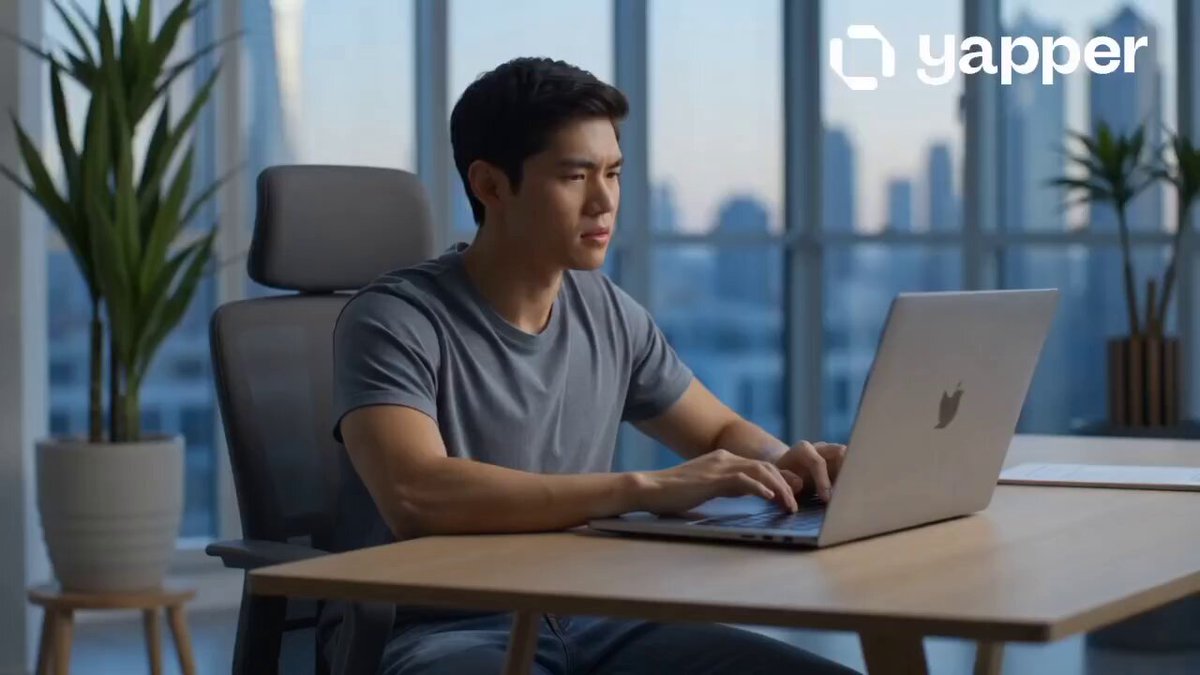
AI Tools Content Creator Growth Journey

Precise Character Rotation Sequence

Grok Imagine Video Prompt: Italian Amphitheater Guide
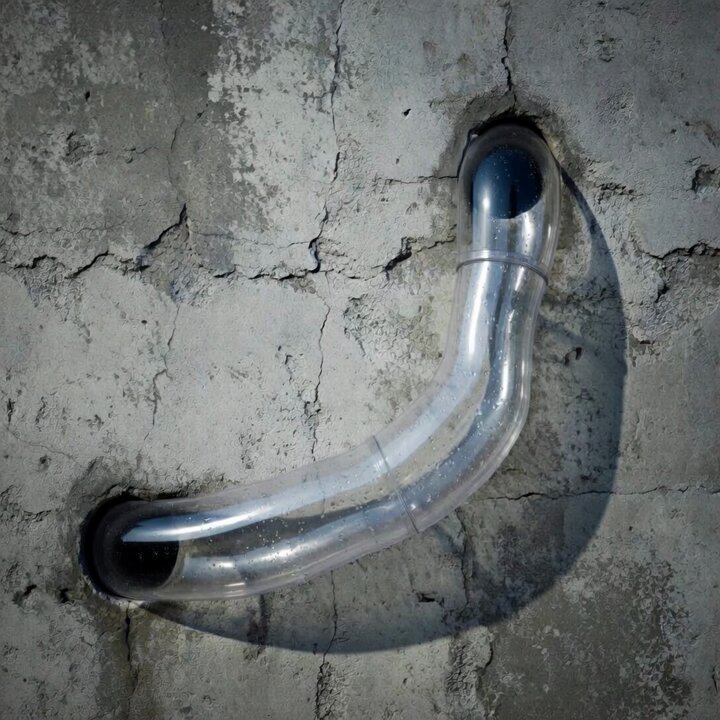
Fluid Dynamics Visualization in a Tube
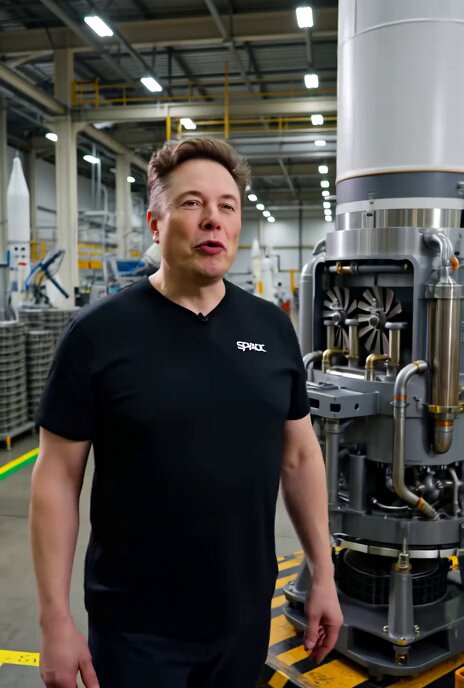
Elon Musk Explaining Oxygen Circulation in SpaceX Engine

Traffic Lane Reduction Merge
All Video Categories
Use Cases
More Prompt Features
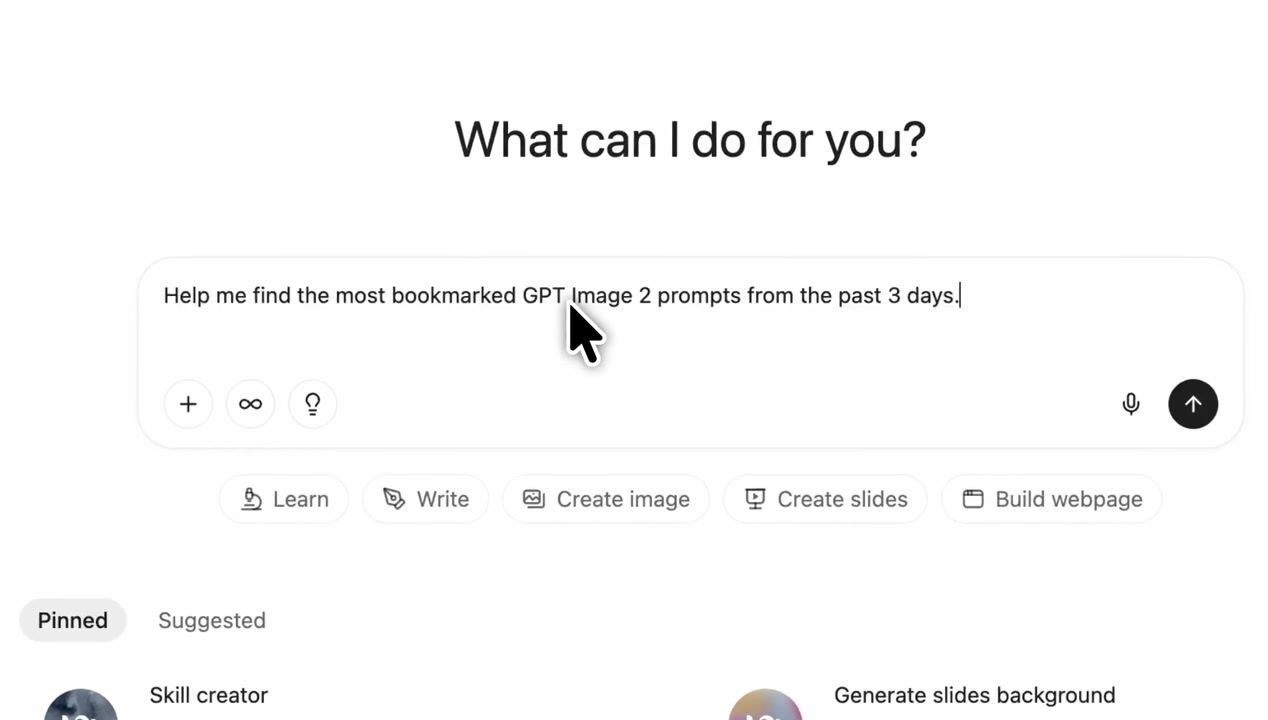
AI prompt search
Let AI search through tens of thousands of prompts. Filter by model, time range, keywords, and sort by engagement — views, bookmarks, reposts and more.
Image to Prompt
Turn any photo into a detailed AI image prompt. The free image to prompt converter analyzes composition, style, and lighting so you can recreate any look in seconds.
Other Prompt Features
Browse by Model
Browse by Media
Built for creators. Free forever.
YouMind is the AI creative copilot trusted by millions of creators worldwide. Every prompt here is curated to help you create better, faster.