Professional posts
Turn a lesson, observation or product update into a focused post that sounds like you.
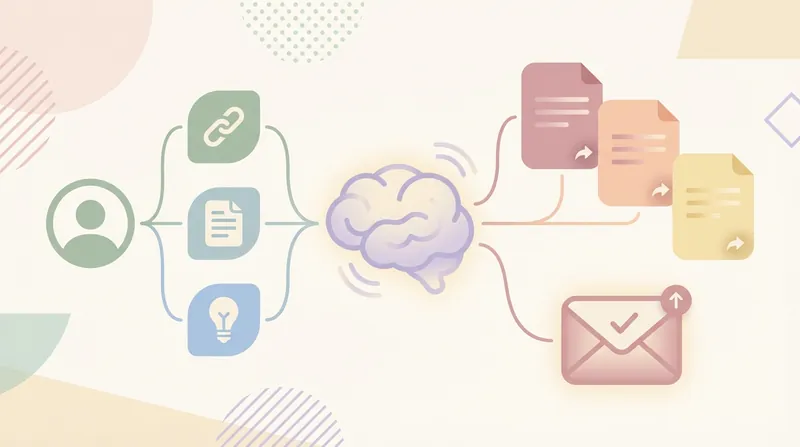
Start creatingBring your notes, research and experience. Shape them into LinkedIn posts, document carousels and articles—with your point of view at the center.
A clear point of view can take more than one form.
Turn a lesson, observation or product update into a focused post that sounds like you.
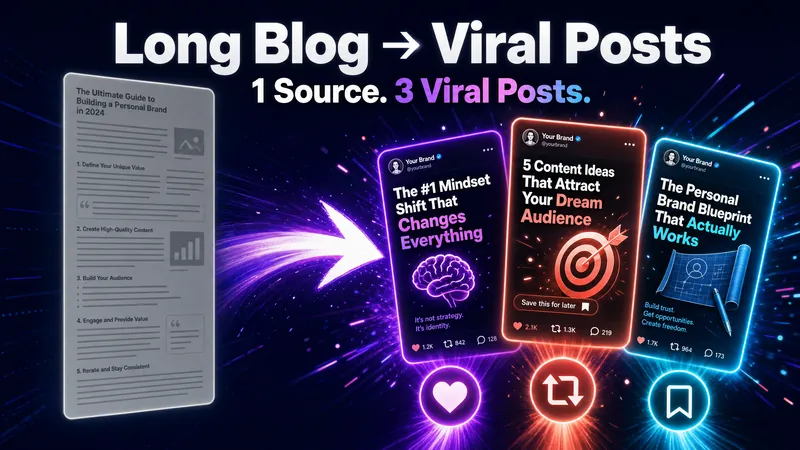
Start creatingBreak a framework, report or how-to into a cover and a sequence of clear, useful pages.
Start creatingDevelop an idea with context, examples and sources. Give the article a cover that fits its story.
Start creatingPlan an opening, talking points and a closing question before you record.
Start creatingCreation walkthrough
Follow a sample workflow: organize interview notes, write a professional post, then turn the key ideas into a three-page carousel.
Topic: how to turn interview observations into better product decisions. Audience: product managers and designers who want to share what they learn.
Sample note: a customer describes switching between tools to complete one task. Record the words they used and the situation in which the problem appeared.
The observation suggests a question to explore. It does not yet prove that every customer has the same problem, or that a new feature is the answer.
Share the method. Remove identifying details and check permission before publishing customer quotes.
Topic: how to turn interview observations into better product decisions. Audience: product managers and designers who want to share what they learn.
A useful angle is the gap between a customer quote and the decision it informs. Focus on the method, with the sample clearly separated from any real customer evidence.
It is tempting to turn an interview quote straight into a feature request. A more useful next step is to ask what was happening around it: what was the person trying to do, where did they get stuck, and what did they try next?
What the person said. What you think it means. What you still need to learn. Writing these down separately makes the next conversation more useful.
What question has helped you understand a customer better?
Turn a lesson, observation or product update into a focused post that sounds like you.
The draft opens with a point of view, explains a practical distinction and invites readers to share a question from their own experience.
It is tempting to turn an interview quote straight into a feature request. A more useful next step is to ask what was happening around it: what was the person trying to do, where did they get stuck, and what did they try next?
A three-page visual story: introduce the idea, separate the quote from the conclusion, and suggest a concrete next step.
The three images follow the same visual system. Check the wording and page order, then prepare your document for uploading to LinkedIn.
Choose a skill for the part you want to work on: an idea, a post, a visual or your content strategy.
Loading…
Choose a skill for the part you want to work on: an idea, a post, a visual or your content strategy.
 Video scripts
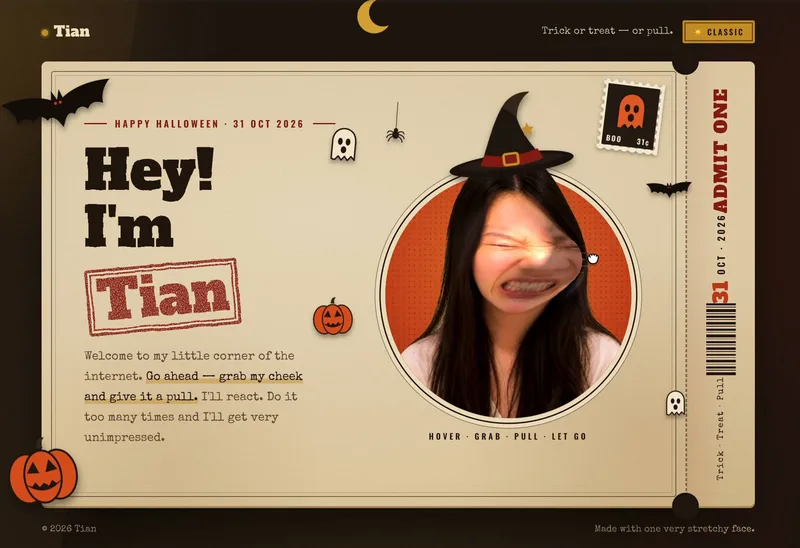
Upload a front-facing photo to generate a variety of expressive interactive effects. Add a short bio, and AI will turn your photo into a clean green-screen avatar before generating a complete set of reaction templates: looking sideways in annoyance on hover, getting startled when grabbed, grimacing in pain when pulled, feeling dizzy after release, and looking speechless after being pulled three t
 Posts & articles
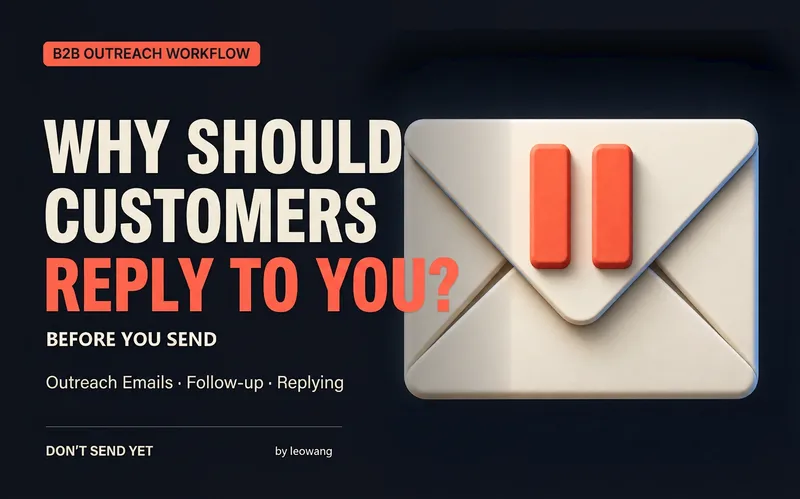
After writing a cold email, first find out why the customer should keep reading. “Don't Send Yet” diagnoses your draft, rewrites your English subject line and body, plans follow-ups, and connects sending setup, LinkedIn, multichannel outreach, and customer replies. It supports drafting from scratch as well as checking the setup of existing campaigns and classifying replies. Provide your real pro
 Other
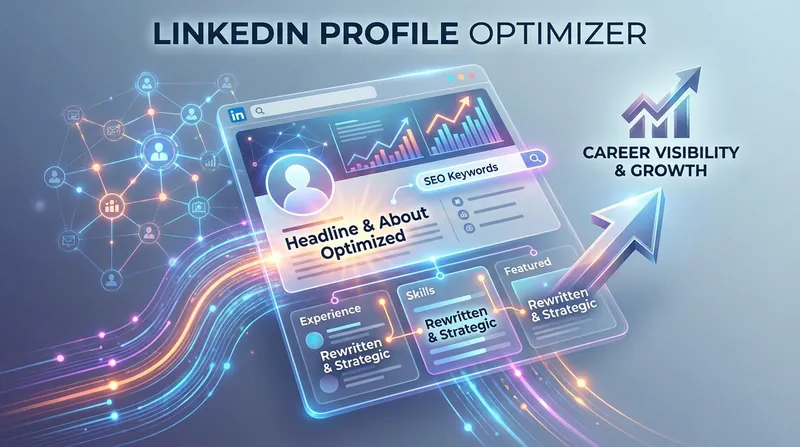
Systematically analyze a LinkedIn profile through a structured audit framework and provide actionable optimization recommendations that improve discoverability, professional positioning, and recruiter conversion. This skill evaluates profile structure, keyword distribution, narrative coherence, and industry positioning, then generates targeted suggestions that enhance both algorithmic ranking with
 Posts & articles
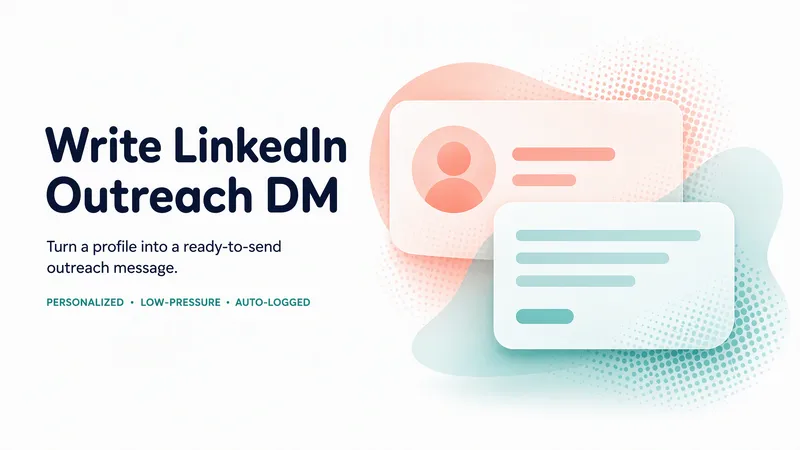
Generate a personalized, low-pressure LinkedIn outreach DM (Subject + Message) from one person's profile — paste their profile text or upload a screenshot. The Skill fills a fixed 4-paragraph template, personalizes the relevance line to the person's real field, keeps the message short and non-salesy, and replaces every placeholder so the copy is ready to send. It can handle several people at once
 Personal brand
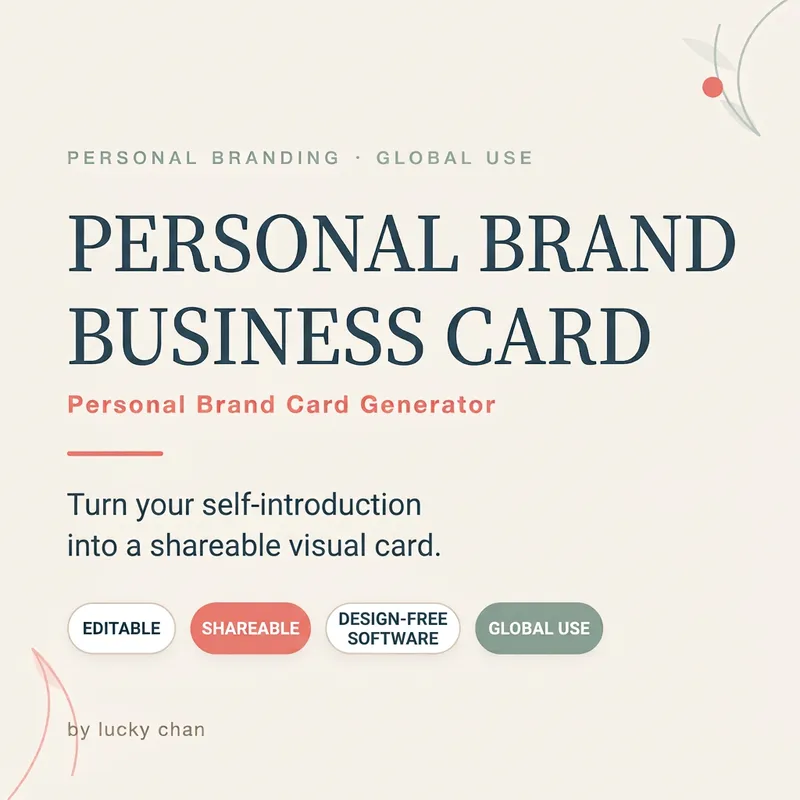
Turn your self-introduction into an editable visual business card (HTML+SVG). It fits your avatar, name, title, positioning statement, 3 tags, key achievements, social media, and a CTA all on one card. You get a card ready to paste directly into LinkedIn, X, Slack, email signatures, or community bios. The source code is fully editable for text and colors without needing any design software. Target
Skills loaded