
Video ideas
YouMind · Thumbnail conceptVideo ideas
Turn a question, reference or personal observation into an angle you can explore on camera.
Start creatingBring your research, notes and references together. Find your angle, shape a script and create a thumbnail that tells the same story.
Thumbnail concepts for different kinds of creators

A different side of Iceland
YouMind · Thumbnail concept
Big ideas for a tiny workshop
YouMind · Thumbnail concept
What one light can change
YouMind · Thumbnail concept
The life underneath a forest
YouMind · Thumbnail concept
Crispy mushrooms, a different way
YouMind · Thumbnail concept
The first step of a new project
YouMind · Thumbnail conceptStart with the part you need, then connect the idea, script and visuals.
Video ideas
YouMind · Thumbnail conceptTurn a question, reference or personal observation into an angle you can explore on camera.
Start creating
Video scripts
YouMind · Thumbnail conceptPlan the opening, talking points and shot suggestions. Refine the wording so it sounds like you.
Start creating
YouTube thumbnails
YouMind · Thumbnail conceptMake one clear visual promise. Adjust the image, headline and details before downloading.
Start creating
Shorts scripts & covers
YouMind · Thumbnail conceptChoose one moment from a longer idea and prepare a short script with a vertical cover.
Start creatingAn illustrative creative workflow
Follow a gardening video from creative brief to spoken script and two thumbnail directions. Scroll to see the workspace and conversation change together.
A beginner creator wants to document growing basil, mint and chives on a small balcony. Use personal observations and reference notes to plan an honest, approachable video.
Can a small balcony be a starting point for growing herbs? Show the actual space, available light and choices you make. Separate personal experience from general growing advice.
Keep the story focused on getting started. Do not invent harvest results, a fixed watering schedule or footage that has not been recorded.
A beginner creator wants to document growing basil, mint and chives on a small balcony. Use personal observations and reference notes to plan an honest, approachable video.
Focus on the first step: one small space, three herbs and an honest beginner’s perspective. Make the audience’s question the thread through the video.
Opening shot: three small pots beside the balcony door. “Can this tiny corner become something I actually use in the kitchen? I’m starting with three herbs and a few simple questions.”
First, show the space and explain the light it receives. Next, introduce the three herbs and why you chose them. Finally, show the setup and explain what you will observe as they grow.
Closing: return to the same corner. “This is the beginning. Which herb would you start with?” Add follow-up observations only when you have recorded them.
Plan the opening, talking points and shot suggestions. Refine the wording so it sounds like you.
The script now has an opening question, three connected scenes and a closing invitation. Review the spoken lines against the footage you can actually record.
Opening shot: three small pots beside the balcony door. “Can this tiny corner become something I actually use in the kitchen? I’m starting with three herbs and a few simple questions.”
First, show the space and explain the light it receives. Next, introduce the three herbs and why you chose them. Finally, show the setup and explain what you will observe as they grow.
Compare the subject and headline, then refine one direction in the image workspace.
Two thumbnail concepts give the same video different entrances: the small-space story, or the simple starting choice. Check the words and crop at a small display size.
Choose by the task in front of you: research, scripts, thumbnails or reusing a video.
Loading…
Choose by the task in front of you: research, scripts, thumbnails or reusing a video.
 Other
Target Audience: Novel promotion bloggers, fantasy short drama creators, TikTok and YouTube Shorts cross-border promotion influencers, 3D CG secondary creation teams, and AIGC visual directors. Pain Points Solved: 1. Traditional fantasy promotions rely on low-quality game recordings or static slideshows, leading to high user churn rates. 2. Lacks precise AI prompt libraries tailored for web novel
 Other
Transform a single dish name into a complete set of food content. It starts by breaking down recipes according to authentic culinary logic, restoring error-prone steps like caramelizing sugar or double-frying. Next, it designs a unified chef character and kitchen scene, outputting a complete storyboard table, shot-by-shot images, video prompts, and atmospheric cooking shots. Finally, it adds narra
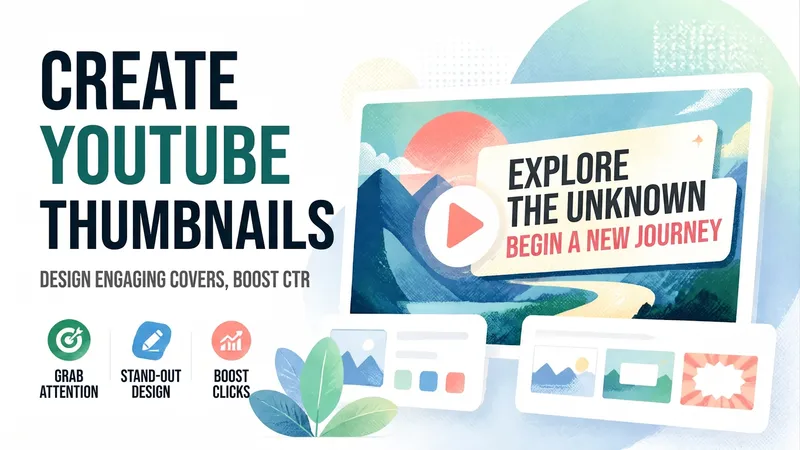 YouTube thumbnails
Based on your video topic, title, and reference materials, plan differentiated YouTube thumbnail directions and use YouMind to create your selected cover.
 Other
For YouTube creators preparing to start a channel, filter the most suitable content niches: first analyze the user's interests, skills, resources, goals, and updating ability; then perform external sample validation on the Chinese YouTube market; use a dual-score model of 'personal fit + market opportunity' to rank; output top 3 niche plans, content pillars, and starter question bank. The user men
 Other
Transform YouTube video highlights into multi-platform social content. Smartly extract key quotes, automatically generate customized copy for Twitter, Xiaohongshu, and WeChat Official Accounts. Say goodbye to manual repurposing and easily achieve content virality.
 Other
Deeply deconstruct video subtitles from YouTube and other sources into readable, in-depth articles with one click.
 Other
Finally, say goodbye to information overload. Reorganize multi-source information into unified logic, automatically detect conflicting viewpoints, and help you build an objective, multi-dimensional cognitive framework.
 Other
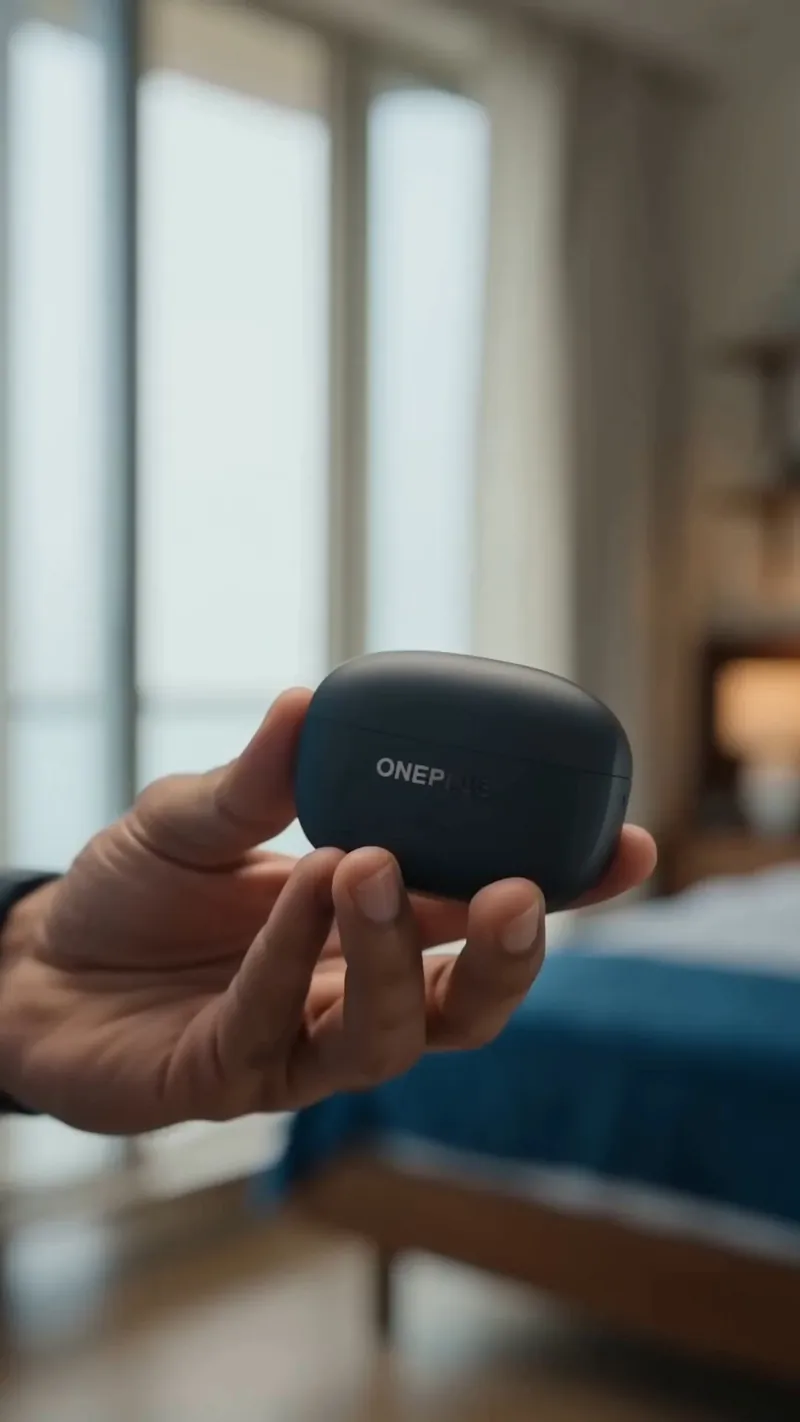
A realistic 15-second UGC-style vertical advertisement showcasing the OnePlus Nord Buds 4 in an authentic everyday lifestyle. The video highlights premium sound quality, powerful bass, crystal-clear audio, all-day comfort, and a stylish modern design through natural user interactions. Designed for students, young professionals, music lovers, commuters, fitness enthusiasts, and Gen Z & Millennials
Skills loaded

