@youmind
Video ideas
Turn an observation, a question or your own experience into an angle you can actually film.
Start creatingBring your notes, references and point of view. Find an angle, write a hook, plan the shots and make a cover that belongs to your story.
A different story in every scroll


Start with the part you need. Bring the opening, shots and cover together when you are ready.
Turn an observation, a question or your own experience into an angle you can actually film.
Start creating
Try a question, a reveal or a surprising detail. Find an opening that your story can deliver on.
Start creating
Put what viewers see next to what you say. Plan a clear sequence before picking up the camera.
Start creating
Make a strong first frame with a clear subject and a short title. Refine the details before downloading.
Start creatingAn illustrative creative workflow
Follow a creative walkthrough: turn a repair idea into a hook, a shot list and two cover directions.
A maker wants to turn an old blue striped shirt into a tote with orange handles. The video follows the real process: choosing the usable fabric, cutting panels, sewing and checking the result.
Can something at the back of the wardrobe become something you want to carry? Make the fabric and the handwork the focus. Explain the decisions without claiming anyone can finish in minutes.
Record the shirt before cutting, the seam details and the finished bag. Confirm the actual result before choosing the opening shot.
A maker wants to turn an old blue striped shirt into a tote with orange handles. The video follows the real process: choosing the usable fabric, cutting panels, sewing and checking the result.
Build the story around giving a familiar fabric a new purpose. Show the starting material, the decisions and the result you actually make.
Opening: hold the old shirt toward the camera. “I stopped wearing this. I still love the fabric. Could it become my next everyday bag?”
First, lay the shirt flat and show which panels can be reused. Then, film close-ups of cutting and sewing, keeping safety instructions in the narration. Finally, show the finished tote, the inside seams and what you would improve next time.
End on a real detail, not a promise: “The orange handles were the part I nearly changed. Which would you have picked?” Only include a finished result once you have made it.
Put what viewers see next to what you say. Plan a clear sequence before picking up the camera.
The opening sets up the question. The three shots explain the transformation, and the closing invites a specific response. Check the script against the footage you can capture.
Opening: hold the old shirt toward the camera. “I stopped wearing this. I still love the fabric. Could it become my next everyday bag?”
First, lay the shirt flat and show which panels can be reused. Then, film close-ups of cutting and sewing, keeping safety instructions in the narration. Finally, show the finished tote, the inside seams and what you would improve next time.
A finished-object cover or a close-up of the making. Compare the subject, headline and crop before choosing.
The first direction leads with the finished tote; the second puts the making process first. Both use the same blue stripes and orange accents. Review the text at phone size before exporting.
Explore reusable creative workflows for your next idea, script or cover.
 Ideas & research
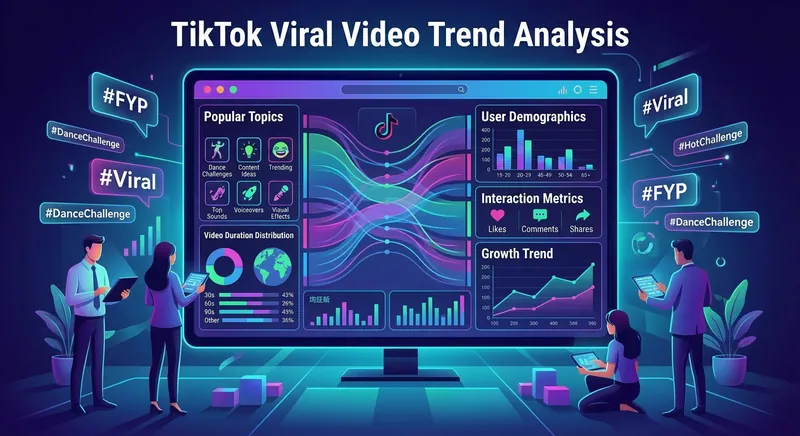
Get ahead of trends like a TikTok expert. With one click, generate a highly detailed, downloadable structured report covering hot topics, popular BGM, trending content formats, video style traits, content format templates, creation suggestions, and more—helping you create targeted content videos and boost your traffic.
 Video scripts
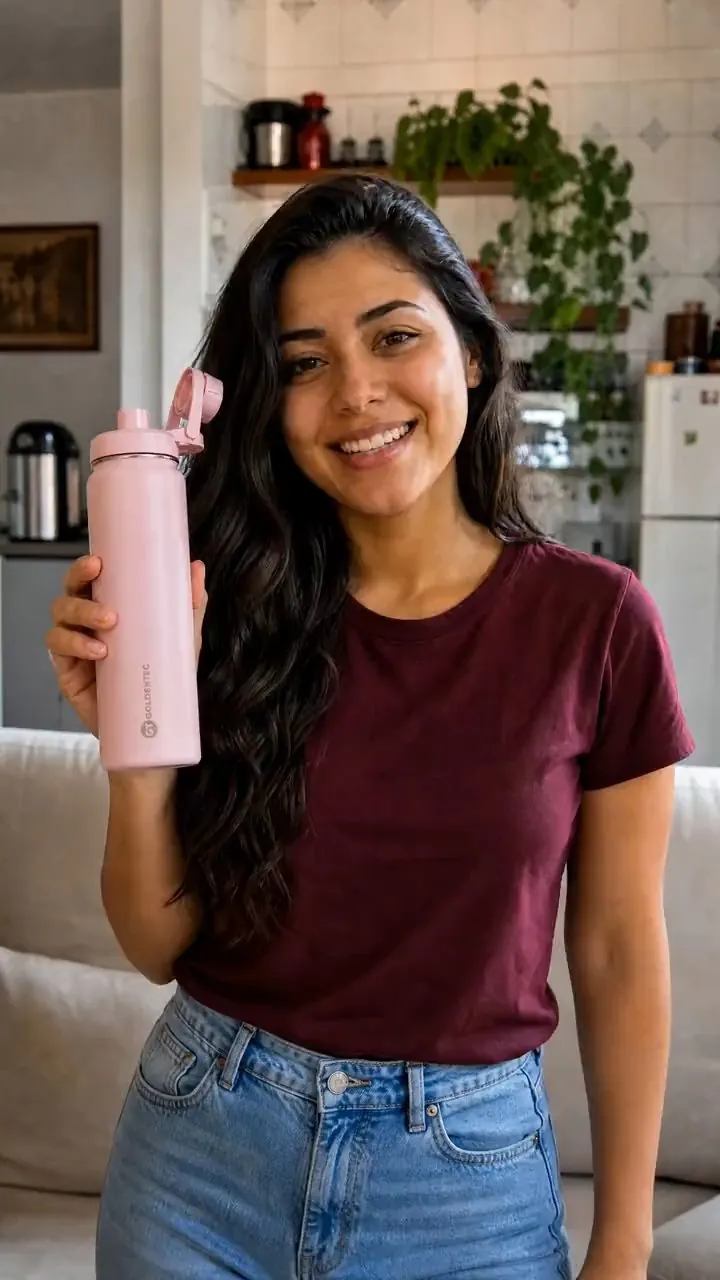
A complete 3-step workflow for creating ad content ready for TikTok Shop: generate an AI influencer’s face, then create an advertising-style photo of her holding your product, and finally make a short vertical video of her presenting it—all ready to post, without appearing on camera, hiring a model, or recording anything.
 Images & covers
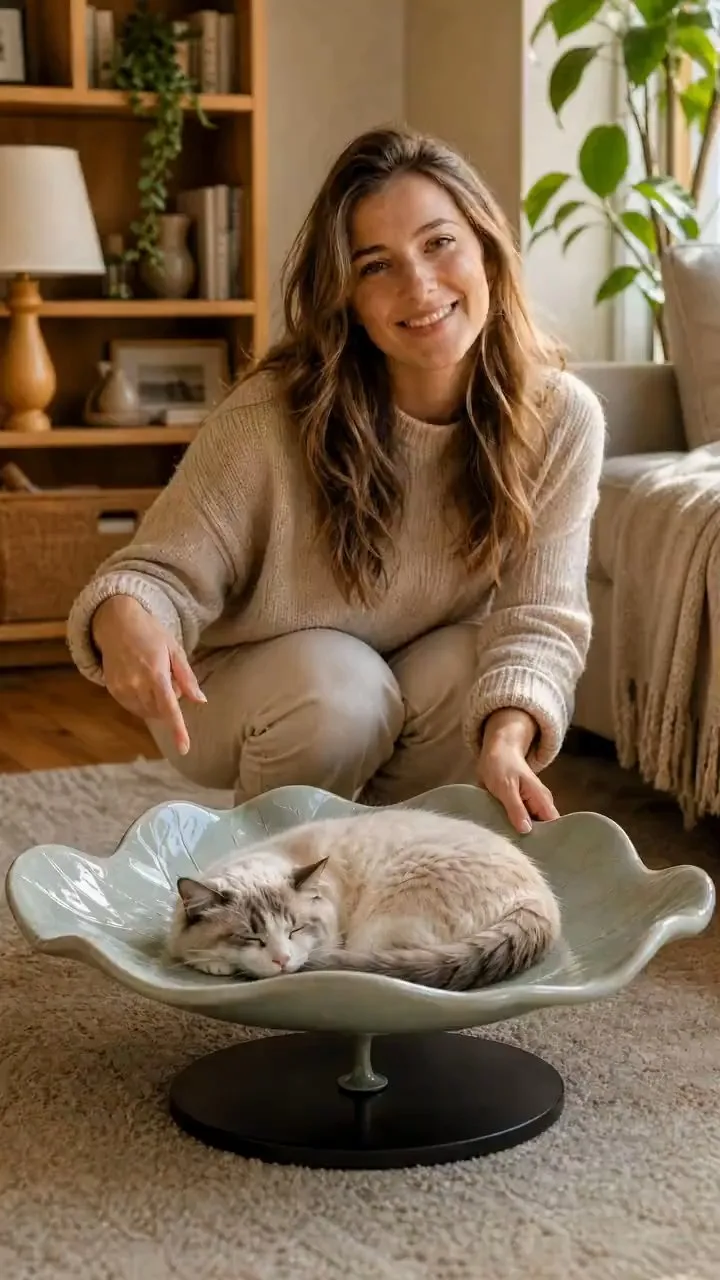
Generate AI virtual influencer ad assets for TikTok Shop in US and European markets: in three steps, create a 9:16 influencer face, vertical ad photos of the influencer holding the product, and short vertical product-introduction videos. No real people, models, or filming are needed, while the character and product remain consistent throughout. Ready to publish. ⚠️: Creating a finished 15-second
 Post captions
TikTok China travel copywriting skill. Use when you need to write TikTok short video scripts or produce viral copy based on travel information. The trigger word is [1]. Input [1] + reference copy + travel information, and the system outputs 3-5 complete copies with different angles (including hook, body, and CTA). Each copy is 150-170 words, matching the persona of 'a Chinese person fluent in Engl
 Images & covers
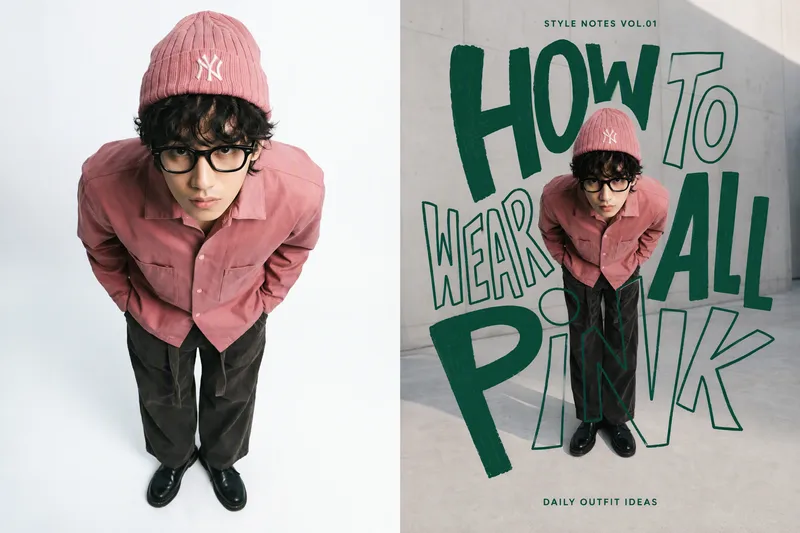
Turn a person’s photo and video topic into a distinctive vertical cover poster for Xiaohongshu and TikTok. The result combines a recognizable, natural-looking portrait with a concise, informative slogan that makes the content easy to understand at a glance—whether you provide a finished title, a rough idea, or only the image’s visual mood and character.
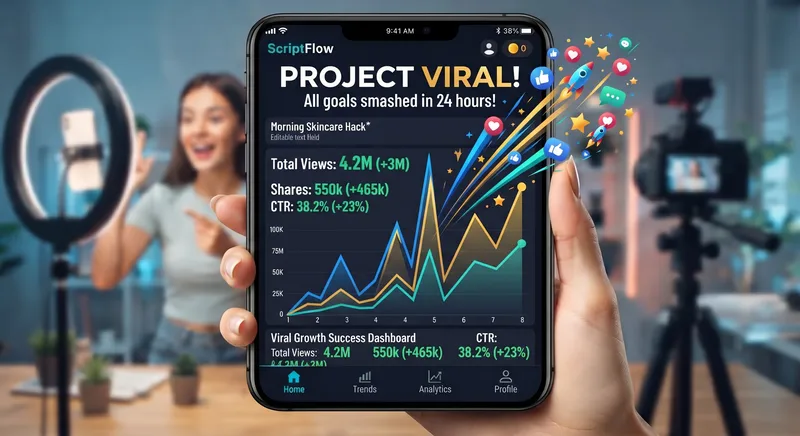 Video scripts
Create three high-converting short-form video ad concepts for a product, service, or brand, tailored to platforms like TikTok, Instagram Reels, and YouTube Shorts. Each concept is built to capture attention immediately, communicate a clear customer benefit, and encourage viewers to take the next step. You’ll get a distinct scroll-stopping hook, practical visual direction for scenes, camera angles
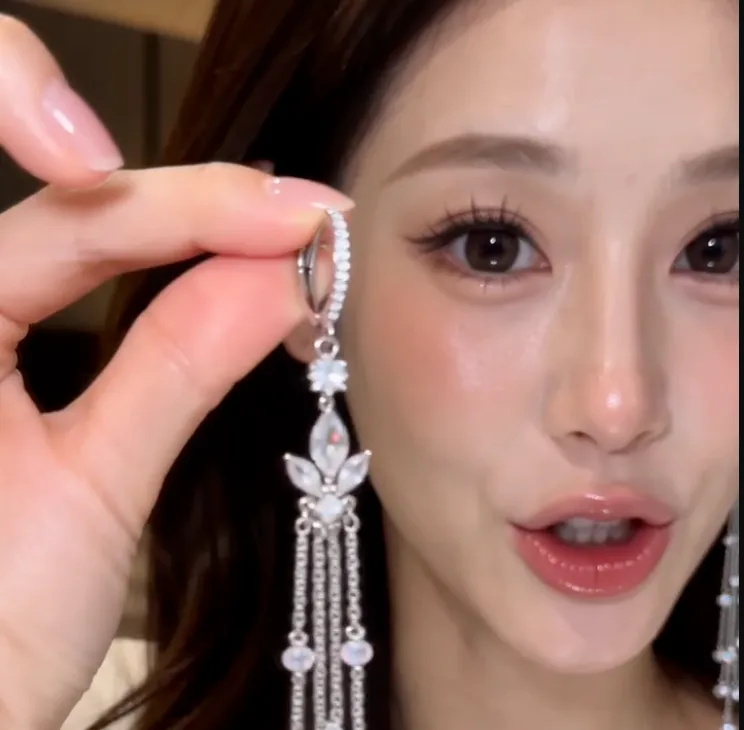 Video scripts
Create TikTok and short-video UGC ad production plans tailored for target users based on product images or descriptions from e-commerce categories. Useful for user request and skill generation, authentic UGC ads, TikTok, Reels, and Shorts scripts, hooks, B-roll shot lists, storyboard image generation tables, virtual creator settings, Seedance Midjourney and video generation prompts, product catego
Skills loaded